게임 플레이
Powered by EmulatorJS · Arcade
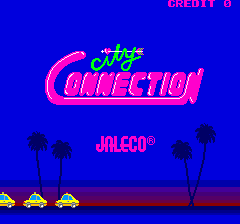
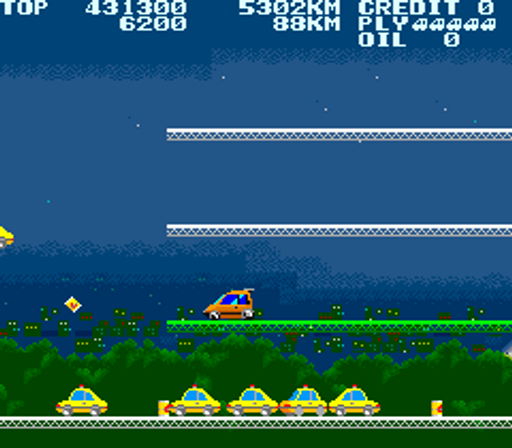
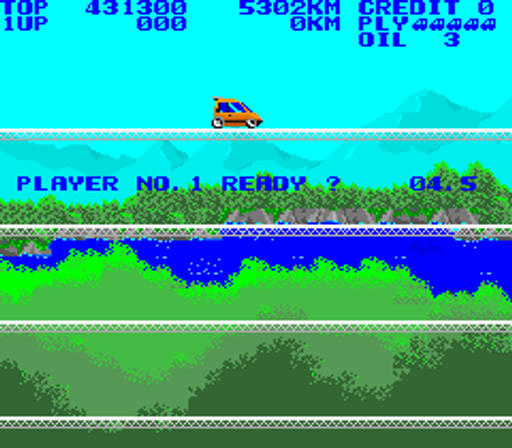
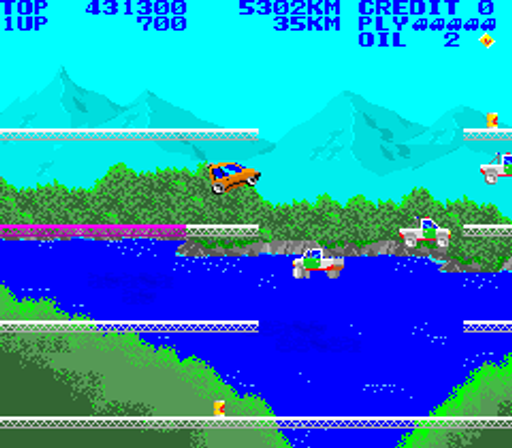
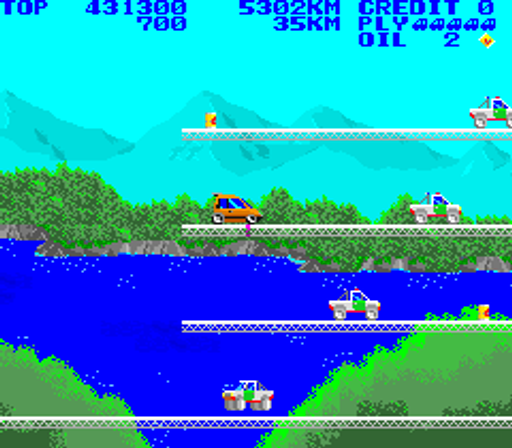
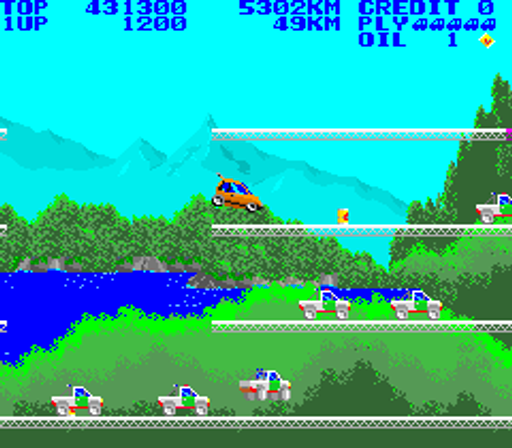
41년 전에 출시된 아케이드 비디오 게임: 도시 연결 (c) 1985 Jaleco Company, Limited. [재팬 레저]. 플레이어는 작은 빨간색 자동차를 조종하고 플랫폼 사이를 뛰어넘어 플랫폼 위로 이동할 때 색상을 지정해야 합니다. 기름통을 모아서 레벨을 돌아다니는 경찰, 택시, 구급차 등을 향해 총을 쏠 수 있습니다. 깃발을 흔드는 고양이도 피해야 합니다. - 기술 - 메인 CPU: Motorola M6809(@ 2.048Mhz) 사운드 CPU: Motorola M6809(@ 640Khz) 사운드 칩: 일반 기기 AY8910(@ 1.25Mhz), Yamaha YM2203(@ 1.25Mhz) 플레이어: 2 제어: 8방향 조이스틱 버튼: 2 - 퀴즈 - 시티 커넥션은 1985년 7월에 발매되었습니다. 메인 스프라이트는 Honda City 해치백과 유사하며, 이는 게임 제목을 설명할 수 있습니다. 주인공은 15세 소녀 클라리스(쿠라리스)가 자신의 러브카(클라리스의 차 - 쿠라리스카)를 타고 이상적인 남자를 찾아 전 세계를 돌며 운전하는 모습이다. 이것은 목숨을 잃은 후의 하트와 레벨을 완료할 때마다 나타나는 소녀를 설명합니다. 클라리스의 이름은 최고 점수 순위 하단에 표시됩니다. 약 1,000대가 생산되었습니다(일련번호 기준). Kitcorp는 이 타이틀에 대한 라이센스를 부여하고 "Cruisin'"으로 판매했습니다. - 포트 - * 콘솔: [일본] 닌텐도 패미컴 (1985년 9월 27일) "시티 커넥션 [모델 JF-05]" [EU] 닌텐도 NES(1988) "시티 커넥션 [모델 NES-CI-EUR]" [미국] Nintendo NES (1988년 5월) "City Connection [모델 NES-CI-USA]" [일본] Sony PS4 [PSN] (2014년 10월 2일) "Arcade Archives - City Connection [모델 CUSA-00389]" [미국] Sony PlayStation 4 [PSN] (2015년 5월 5일) "Arcade Archives - City Connection [모델 CUSA-00980]" [EU] [AU] Sony PlayStation 4 [PSN] (2015년 9월 8일) "Arcade Archives - City Connection [모델 CUSA-02666]"
Player layout in our catalog: 2P alt.
If you are exploring by feel rather than by title, jump from the tags above into the matching genre rooms, or return to the Arcade hall for the full wall.
Open Play on this page to start City Connection (set 1). Keyboard, USB/Bluetooth pads, and the on-screen touch gamepad all work inside the emulator bar. Save states and fullscreen live on that same bar so you can pause mid-session and resume later.
City Connection (set 1) is filed in our catalog as a 1985 release.
Player layout on this cabinet: 2P alt.
Genre tags on Classic Arcade Games: Platform.
Credit line lists Jaleco as developer.
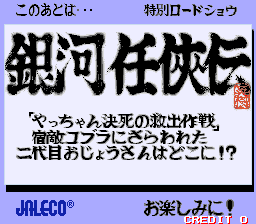
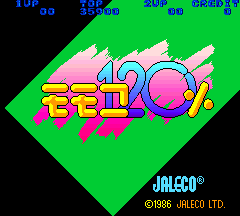
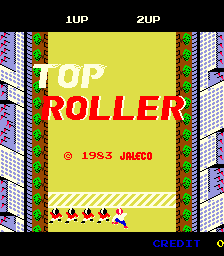
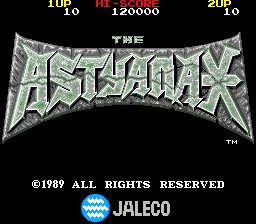
Nearby cabinets you may also open from this hall (each on its own play page):Chameleon, Ginga NinkyouDen (set 1), Momoko 120% (Japanese text), Top Roller, The Astyanax (EPROM version), Avenging Spirit, Ninja Kazan (World), Rod-Land (World, set 1), Exerion, Formation Z, Pinbo (set 1), Parallel Turn
Jaleco appears on this cabinet’s credit line. Browse more titles from the same studio on the developer shelf, or stay on this page and try the next cabinets in the same hall.
Chameleon · Ginga NinkyouDen (set 1) · Momoko 120% (Japanese text) · Top Roller · The Astyanax (EPROM version) · Avenging Spirit · Ninja Kazan (World) · Rod-Land (World, set 1)
Yes. Classic Arcade Games hosts City Connection (set 1) as a Arcade cabinet you can start on this page. The emulator loads in the browser; you do not need to install a separate app.
Arcade stick feel: Arrow keys for the joystick, X/Z (and nearby keys) for buttons, Enter=Start. USB / Bluetooth pads map cleanly; six-button fighters use the face-button cluster.
Our catalog tags City Connection (set 1) under Platform. Open those genre rooms from the tags on this page to find more playable cabinets in the same feel.
아래 iframe 코드를 복사해 사이트에 이 게임을 임베드하세요.
<iframe src="https://ko.classicarcade.games/games/arcade/citycon?embed=1" width="800" height="600" allowfullscreen allow="gamepad; autoplay; fullscreen"></iframe>