게임 플레이
Powered by EmulatorJS · Arcade
두 명의 카우보이가 시야를 확보하기 위해 위, 아래, 왼쪽, 오른쪽으로 이동하며 측면 총격전을 벌입니다. 이 멀티플레이어 아케이드 슈팅 게임에서 플레이어는 선인장과 같은 장애물을 피해 상대에게 사격을 시도하는 동안 막히지 않도록 해야 합니다.
Player layout in our catalog: 2P sim.
If you are exploring by feel rather than by title, jump from the tags above into the matching genre rooms, or return to the Arcade hall for the full wall.
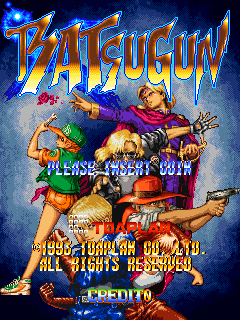
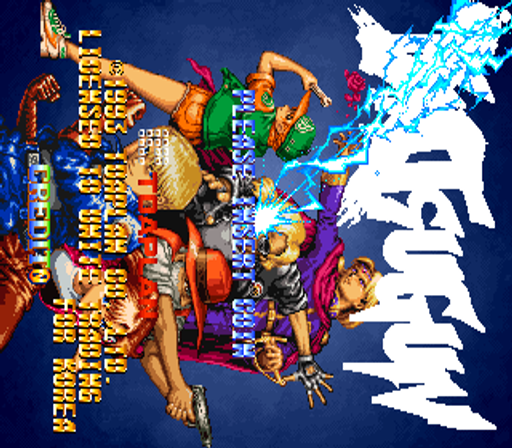
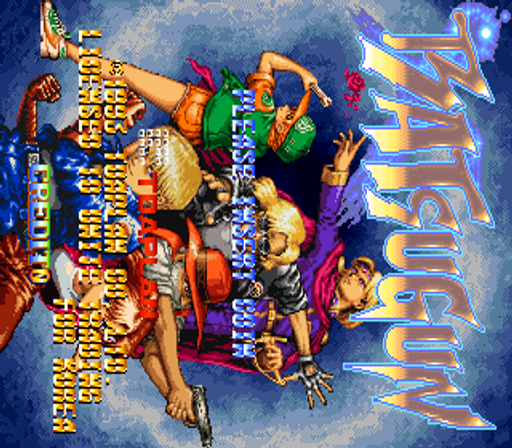
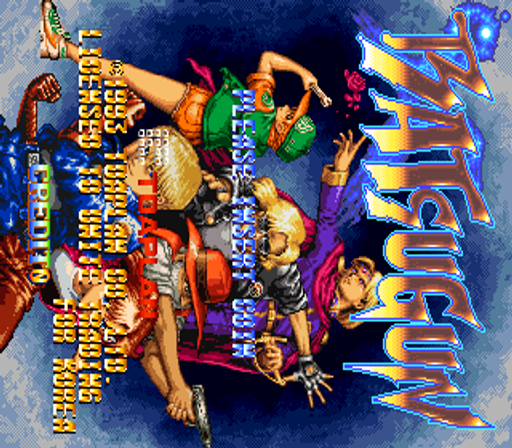
Open Play on this page to start Batsugun. Keyboard, USB/Bluetooth pads, and the on-screen touch gamepad all work inside the emulator bar. Save states and fullscreen live on that same bar so you can pause mid-session and resume later.
Batsugun is filed in our catalog as a 1993 release.
Player layout on this cabinet: 2P sim.
Genre tags on Classic Arcade Games: Shooter, Arcade.
Credit line lists Toaplan as developer.
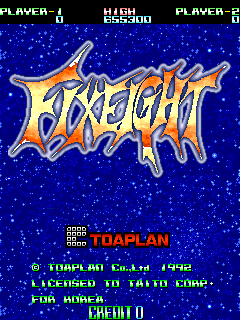
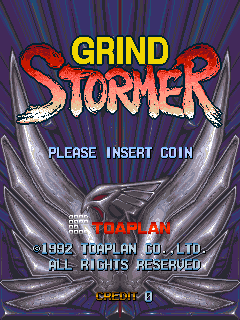
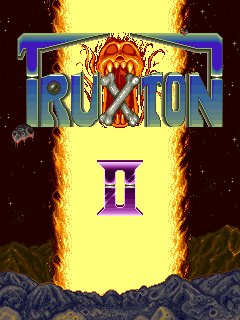
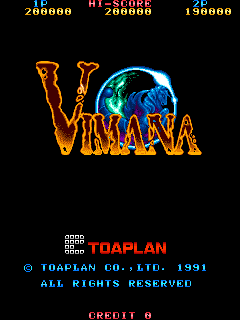
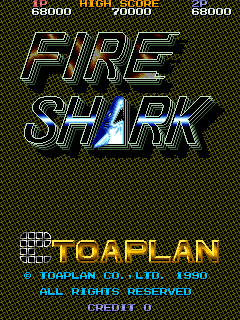
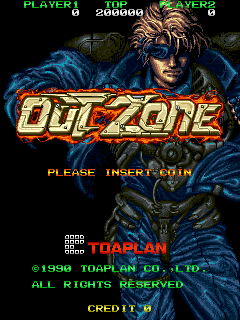
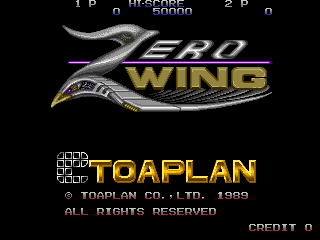
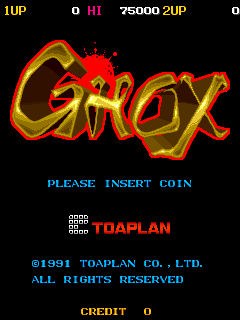
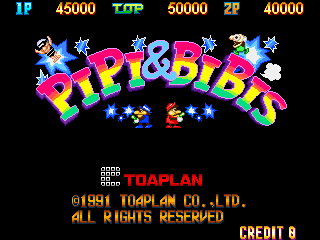
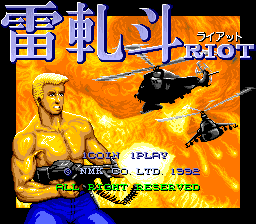
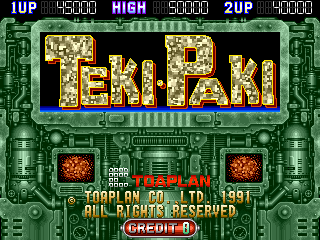
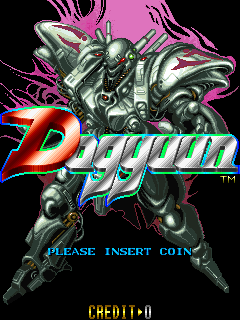
Nearby cabinets you may also open from this hall (each on its own play page):Dogyuun, FixEight (Europe), Grind Stormer, Truxton II / Tatsujin Oh, Vimana (World, set 1), Fire Shark, Out Zone, Zero Wing (2P set), Ghox (spinner), Pipi & Bibis / Whoopee!! (Z80 sound cpu, set 1), Riot, Teki Paki
Toaplan appears on this cabinet’s credit line. Browse more titles from the same studio on the developer shelf, or stay on this page and try the next cabinets in the same hall.
Dogyuun · FixEight (Europe) · Grind Stormer · Truxton II / Tatsujin Oh · Vimana (World, set 1) · Fire Shark · Out Zone · Zero Wing (2P set)
Yes. Classic Arcade Games hosts Batsugun as a Arcade cabinet you can start on this page. The emulator loads in the browser; you do not need to install a separate app.
Arcade stick feel: Arrow keys for the joystick, X/Z (and nearby keys) for buttons, Enter=Start. USB / Bluetooth pads map cleanly; six-button fighters use the face-button cluster.
Our catalog tags Batsugun under Shooter, Arcade. Open those genre rooms from the tags on this page to find more playable cabinets in the same feel.
아래 iframe 코드를 복사해 사이트에 이 게임을 임베드하세요.
<iframe src="https://ko.classicarcade.games/games/arcade/batsugun?embed=1" width="800" height="600" allowfullscreen allow="gamepad; autoplay; fullscreen"></iframe>